
Overview
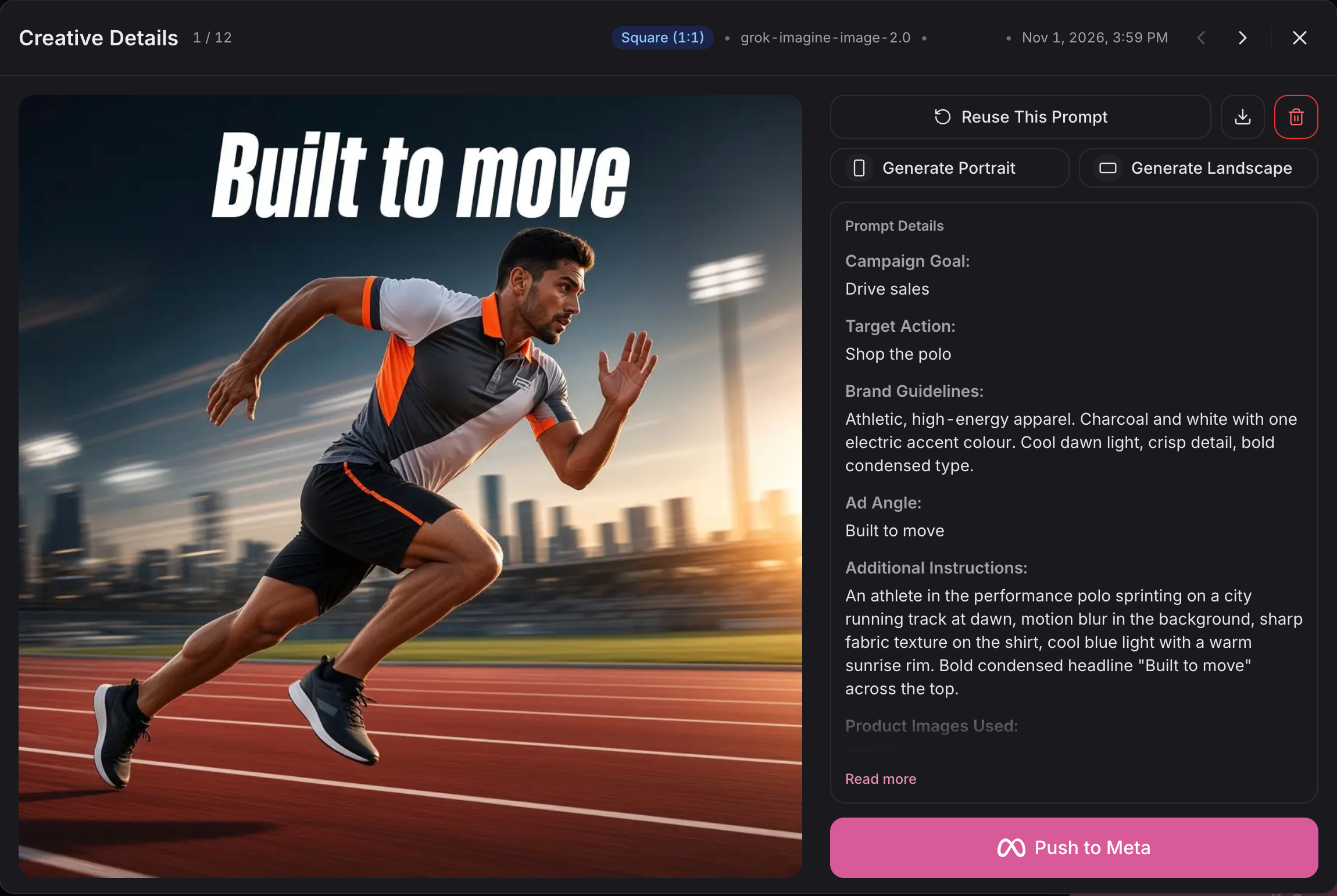
Generate a Meta ad creative in Creatives Studio, click Push to Meta, and it lands in Ads Manager as a paused draft. No exporting, no re-uploading, and nothing runs until you switch it on.
What's new
From studio to Ads Manager in one step
One click, no round trip
Push to Meta uploads the image, builds the ad creative, and creates the ad in your Meta account for you. The creative you approved in Ordinary is the creative that reaches Meta.
Nothing goes live until you decide
Every creative lands in Ads Manager as a paused draft. It won't spend or serve until you review it and switch it on yourself.
Generate in the format you need
Generate portrait and landscape versions and push the right shape for each placement.
Available now
Creatives Studio and Push to Meta are on the Advanced plan.
 Connect your store